Menus
Understand dishes and options, make your choices, then show the staff.
 EasyMenu
Your dining and shopping assistant
Photograph menus, products and receipts. Order, shop and check the details in your language.
Explore EasyMenu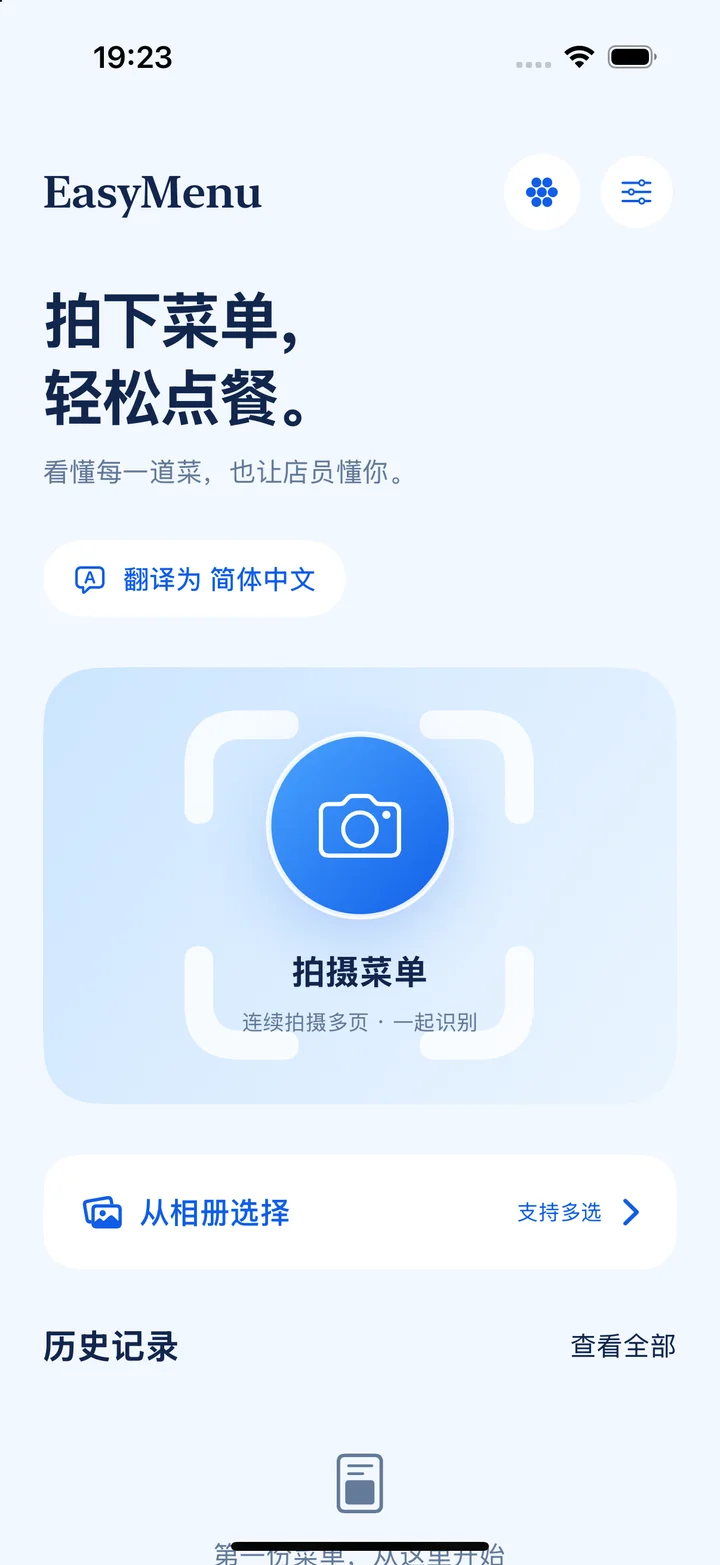
Choose dishes, understand products and check receipts with a photo mode for each task.
Understand dishes and options, make your choices, then show the staff.
Understand visible labels, ingredients and instructions, then choose to search further.
Read line items and taxes, and compare them with a saved order list.
Read directions, times, restrictions and exceptions.
Find dates, places, seats and conditions of use.
Take several photos or select from your library. Review them before recognition starts.
See results in your language, with original text, photos and uncertain details close by.
Put together an order, understand a product label or check receipt items and amounts.
Share a QR code with your companions. They can join in the app or on the web, choose their dishes, and let the host bring everything together for the staff.
Compare the source photo, text labels and translation overlay to check the details.
Present dishes and quantities clearly in the original language, with system speech to read them aloud.
Saved photos, recognition results and order lists stay on your device and can be read without a connection.